

How it works
- Pick a photo or a clipStraight from your camera roll. No settings to learn.
- Choose a lookDream or Super 8.
- Post itIt comes back sized for a reel, a post or a square.
Two looks. Nothing to learn.
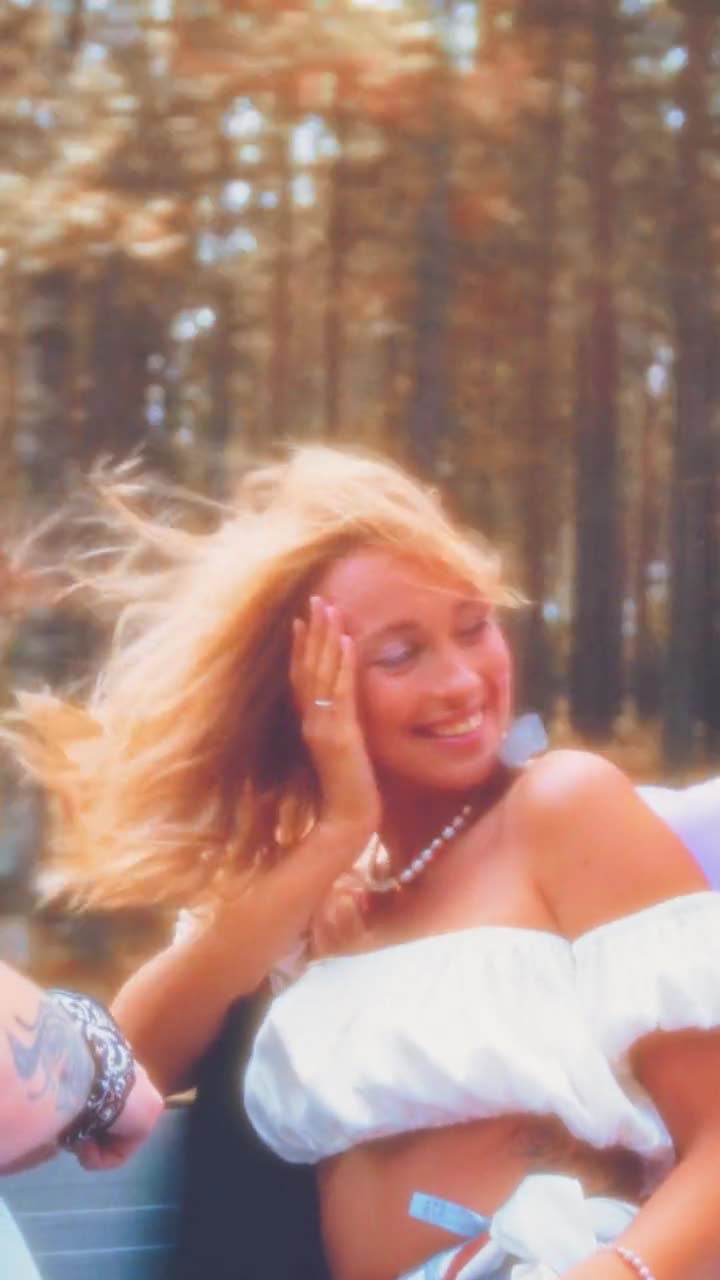
Dream
Everything veiled in bloom. Lavender in the shadows, peach in the light, greens turned to autumn.
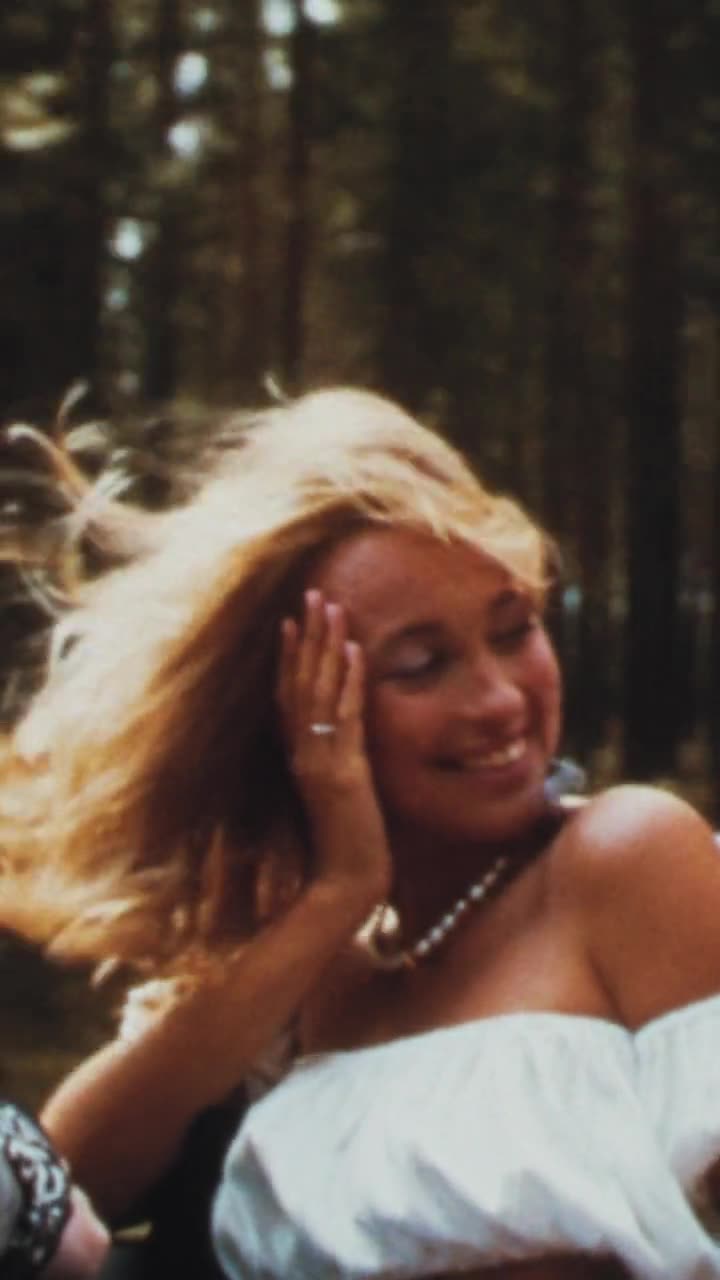
Super 8
Not a filter over your video. The camera, the film and the scan are simulated, so the grain, the wobble and the burn at the start of a roll come out the way they would on film.
Questions
What is Overblown?
It turns the photos and videos already on your phone into film. There are two looks: Dream, soft and glowing, and Super 8, the home-movie film of the sixties and seventies.
Is it a Super 8 filter?
No. A filter lays grain and scratches over your video. Overblown simulates the camera, the film and the scan, so your clip comes out as it would have if you had shot it on Super 8: 18 frames a second, with the grain, the glow and the wobble that come with it.
Does it work with photos as well as videos?
Yes. Any photo or clip from your camera roll works, in either look.
Do I need to know anything about film or editing?
No. Pick a photo or a clip and choose a look. There are no settings to learn.
What do I get back?
A photo or video ready to post, sized as a vertical reel (9:16), a portrait post (4:5) or a square.
When can I use it?
Soon. Request early access below and we will write to you when it opens.